We've shipped roughly 30 AI agents into production over the last 18 months — for agencies, coaches, ecommerce ops teams. About half of them work. The half that don't fail in predictable ways. This post is the playbook for the half that work, plus the failure modes we now design around. Agents are one of five production patterns we cover in what is AI automation? The 5 patterns that run in production — start there if you're still deciding whether agent shape is the right fit at all.
It's not a toy "Hello World agent" tutorial. The shape of the work, the decision points, and the actual failure modes — code-light, opinionated, no demos.
Before you start: you should already know what an AI agent is. If you don't, read what is an AI agent first — this guide assumes you understand the loop + tools concept.
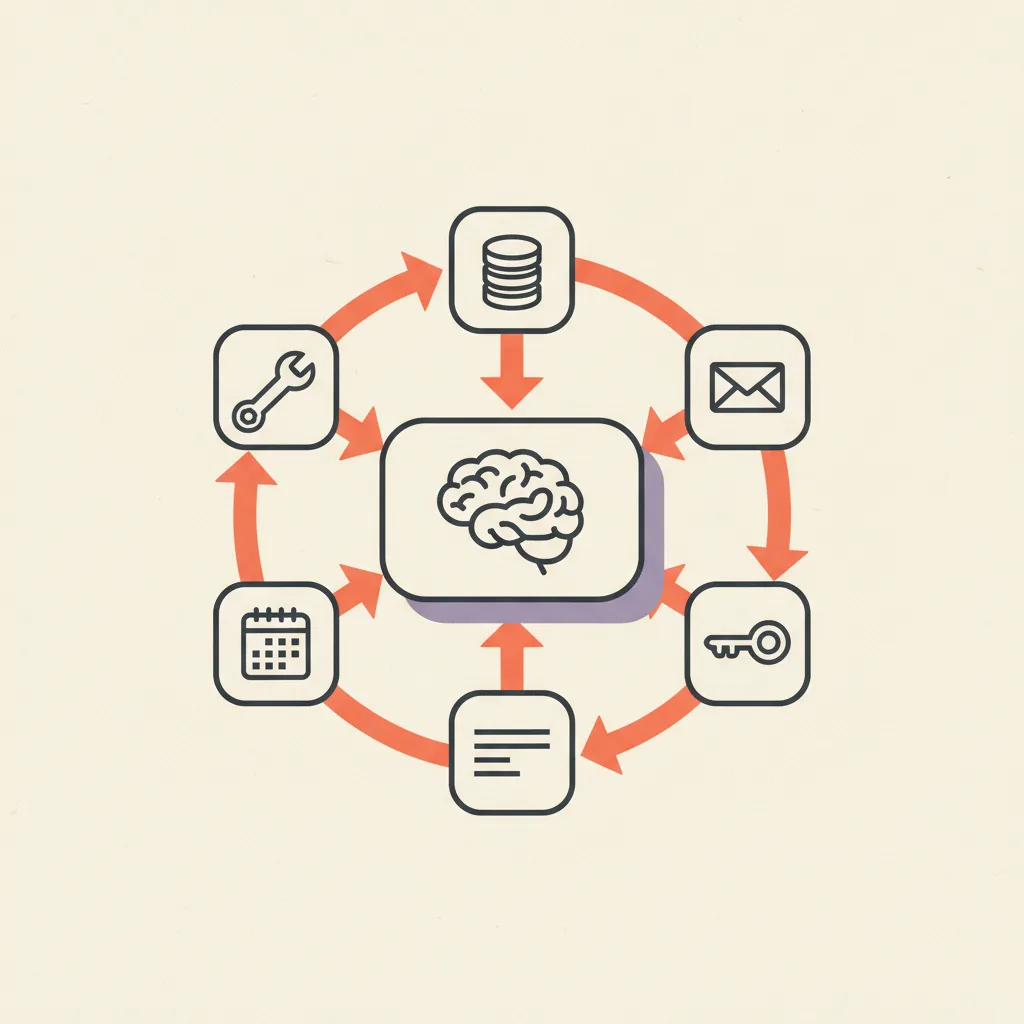
Step 1 — Pick the smallest scope that delivers value
The single most common reason AI agents fail in production is over-scoped goals. "An AI assistant that handles all my email" is a feature roadmap, not a project. "An AI agent that drafts replies to inbound sales inquiries using context from HubSpot" is a project.
A good scope passes three tests:
- You can describe success in one sentence ("85% of inbound sales emails get a draft reply within 30 seconds with the right context attached").
- There are 5–15 tool calls maximum involved in the typical run.
- A wrong action is recoverable — either reversible cheaply, or human-reviewed before it goes external.
When in doubt, scope down. You can always expand later. You can't un-ship a half-broken agent that emailed the wrong customer the wrong contract.
Step 2 — Define your tools before writing prompts
A tool is a function the model can call. Each one has a name, a description, a parameter schema, and a return shape.
The three rules:
- Each tool does one thing. Not "manage_crm" — that's a router, not a tool. Use lookup_contact, update_contact, create_deal as separate tools.
- Tool descriptions are written for the model, not for humans. The model reads these to decide when to call them. Be specific: "Use this when you need the lifetime spend of a customer by their email address." Not "Customer lookup".
- Parameter schemas are strict. Required fields, enums, regex constraints — anything you can express in JSON schema, do.
A typical production agent has 5–15 tools. Below 5 means you're missing capability or the agent is too narrow to be useful. Above 15 means the model is going to get confused about which to call.
Step 3 — Pick the model
As of mid-2026, frontier models are production-grade for agent work. Pick by tool-calling reliability first, cost second, niche capability last.
| Model | Cost tier | Strengths | Use for |
|---|---|---|---|
| Claude Sonnet 4.6 | Mid | Best-in-class tool calling, long-context reasoning over tool outputs | Default for production agents |
| Claude Opus 4.7 | High | Deepest reasoning, complex multi-step planning | Hardest agents · architectural decisions |
| GPT-4-class (4.1 / 5) | Mid–High | Comparable tool calling, native Assistants API, structured output benchmarks | OpenAI-native stacks · structured outputs |
| Gemini 2.5 Pro | Mid | Generous context window, multimodal, decent tool use | Multimodal agents · long-context summarization |
| Claude Haiku 4.5 | Low | Fast, cheap, surprisingly strong tool calling | High-volume narrow agents (triage, classification) |
| GPT-4o-mini | Low | Cheap, OpenAI-native | High-volume narrow agents |
| Open-weights (Llama, Qwen) | Self-host | Full control, no per-call cost | Skip for production agents — tool-calling gap is real |
Step 4 — Write the loop
The agent loop is six steps in fewer than 100 lines of TypeScript or Python: initialize a messages array with the system prompt and goal, call the model with messages plus tool definitions, return the answer if the response is a stop, execute the tool and capture the result if the response is a tool call, append both call and result to messages, then jump back with hard-stops at 12 iterations or 60 wallclock seconds. The complexity isn't the loop itself — it's edge cases: tool errors, hallucinated tool names, stuck retry cycles. Build the happy path first, then handle each edge case as it bites you in evals.
Pseudocode for the happy path:
- Initialize: messages = [{ role: "system", content: SYSTEM_PROMPT }, { role: "user", content: GOAL }]
- Call model with messages and tool definitions.
- If the response says "stop" (no tool calls) — return the final answer.
- If the response says "call tool X with args Y" — execute the tool, capture the result.
- Append the tool call and the tool result to messages.
- Goto step 2. Hard-stop after N iterations (default 12) or M wallclock seconds (default 60).
That's it. Fewer than 100 lines of code in TypeScript or Python. The complexity comes from edge cases: what to do when a tool errors, when the model hallucinates a tool that doesn't exist, when it gets stuck calling the same tool repeatedly.
Frameworks that help
- Claude Agent SDK / OpenAI Assistants API — managed loop, fastest to ship.
- LangGraph — explicit state graphs; best when you need branching paths, retries, or multi-agent.
- CrewAI — multi-agent teams with role coordination; usually overkill for single-purpose agents.
- Vercel AI SDK — clean TypeScript wrapper, good for Next.js apps.
Honest take: 70% of our production agents are plain code calling the model API directly. Frameworks add value when you need state machines or coordination — they add ceremony when you don't.
Step 5 — Write the system prompt last
Counter-intuitive but it consistently works in production: write the tools first, then write the system prompt. Tools constrain what the agent can do; the prompt directs how it should think about doing it. Writing the prompt first leads to vague tool definitions that the prompt has to compensate for — and prompts that compensate for vague tools are the single most common reason agents misbehave in production. A good system prompt has four sections (role + goal, rules, tool guidance, stop conditions) and stays under 600 tokens, because long prompts hurt performance more than they help — the model isn't reading every word as carefully as you want it to.
- Role and goal — "You are an AI sales assistant for [company]. Your job is to draft replies to inbound sales inquiries."
- Rules — "Never quote pricing without checking the latest_pricing tool. Never schedule meetings outside business hours. Always include a calendar link."
- Tool guidance — "Use lookup_contact first to check if the sender is in the CRM. Use draft_reply to compose responses, never send directly."
- Stop conditions — "Once you've drafted a reply and saved it, stop. Do not attempt to send it."
Keep it under 600 tokens. Long prompts hurt performance more than they help — the model isn't reading every word as carefully as you want it to.
Step 6 — Build evaluation before scaling
Demos lie. The first agent run that "looks good" will fool you. The second one that fails will fool you in the other direction. Evaluation cuts through both.
- Collect 50–200 real-world cases (anonymized customer emails, support tickets, whatever the agent will see in production).
- For each case, define what the agent should do. Doesn't need to be perfect — just a directional ground truth.
- Run the agent on every case. Log inputs, tool calls, outputs.
- Score each run: success / partial / fail. Be strict. Failure includes "got the right answer but used 8 tool calls when 3 would have done it".
- Look at failures. Cluster by failure mode. The fix for "wrong tool argument" is different from "agent looped infinitely".
Production-ready bar for a narrow-scope agent: 85%+ task success rate. Below that, scope down or fix tools/prompts.
Step 7 — Add human-in-the-loop on irreversible actions
Reversible actions: drafting an email, looking up data, classifying a lead, scoring a record. Let the agent run.
Irreversible actions: sending external email, posting to social, charging a card, deploying code, deleting data. Add a human approval step.
The cheapest implementation: the agent generates the action, posts a Slack message with "Approve / Reject" buttons, and waits for human input before executing. Adds 30 seconds of friction; eliminates 95% of catastrophic failure modes.
Step 8 — Observability before deploy
Production agents fail in subtle ways. You will not catch them by reading logs after the fact. Set up:
- Per-run trace: every tool call, with inputs, outputs, latency, model usage tokens.
- Per-task success metric: did the agent achieve its goal? Logged automatically where possible (e.g. did the email get drafted?).
- Cost per run: aggregate token usage × model price. Spike alerts when this jumps.
- Loop length distribution: track how many iterations the agent takes. Sudden increase in average iterations = agent is getting stuck more often.
Tools we use: Langfuse for tracing, plain Postgres for run logs, simple Grafana dashboard. Sometimes just a Notion database when volumes are low.
Step 9 — Deploy
Production agents ship in one of three trigger patterns: webhook (an external event fires the agent — used for inbox triage, lead routing, support tier-1), scheduled (cron runs the agent on a recurring timer — used for daily reports, weekly summaries, batch enrichment), or user-invoked (a human triggers the agent via Slack command, internal-tool button, or API — used for one-off research, on-demand analysis, drafting tools). All three run on standard infrastructure — Vercel/Cloudflare/AWS Lambda for webhook and user-invoked, GitHub Actions or Railway scheduled tasks for cron. Nothing exotic; the agent code is the same in all three cases.
Webhook-triggered
External event (email arrives, form submitted, ticket created) → webhook → agent runs → result posted back. Simplest pattern. Used for inbox triage, lead routing, support tier-1.
Scheduled
Cron triggers the agent to run on a recurring schedule. Used for daily reports, weekly summaries, batch enrichment.
User-invoked
A human triggers the agent via a button in an internal tool, Slack command, or API. Used for one-off research, on-demand analysis, drafting tools.
All three run on standard infrastructure: Vercel/Cloudflare/AWS Lambda functions for webhook and user-invoked, GitHub Actions or Railway scheduled tasks for cron. Nothing exotic.
Common failure modes
- Tool-call hallucination — agent calls a tool that doesn't exist. Fix: tighter system prompt + log + fail loudly.
- Infinite loop — agent keeps calling the same tool to recover from an error. Fix: hard step limit + retry-after-N-attempts logic.
- Wrong tool, right shape — agent calls update_contact when it should have called create_contact. Fix: clearer tool descriptions.
- Goal drift — agent solves a different problem than asked. Fix: stricter system prompt with explicit stop conditions.
- Context blow-up — tool results are huge and the model context fills up. Fix: summarize tool outputs before appending, or use a separate "tool result store" with references.
What you don't need
- A custom-trained model. Frontier models do tool calling well enough.
- Vector databases for general agent work. RAG belongs in agents that need long-term memory; most don't.
- Multi-agent architectures. Single agent + tools handles 80% of production cases.
- Heavy frameworks if you're building one focused agent. Plain code is often clearer.
Realistic timeline
- Day 1–2: Scope, tool definitions, system prompt v1, smoke test.
- Day 3–7: Build evaluation set, iterate on prompt + tools until you hit 80%+ on the eval.
- Day 8–14: Deploy to a controlled cohort, add observability, fix the failures that production reveals.
- Day 15+: Scale up, expand scope incrementally.
Two to three weeks for a focused, production-grade agent is realistic. Anything claiming "build your AI agent in an afternoon" is selling you a demo, not a tool.