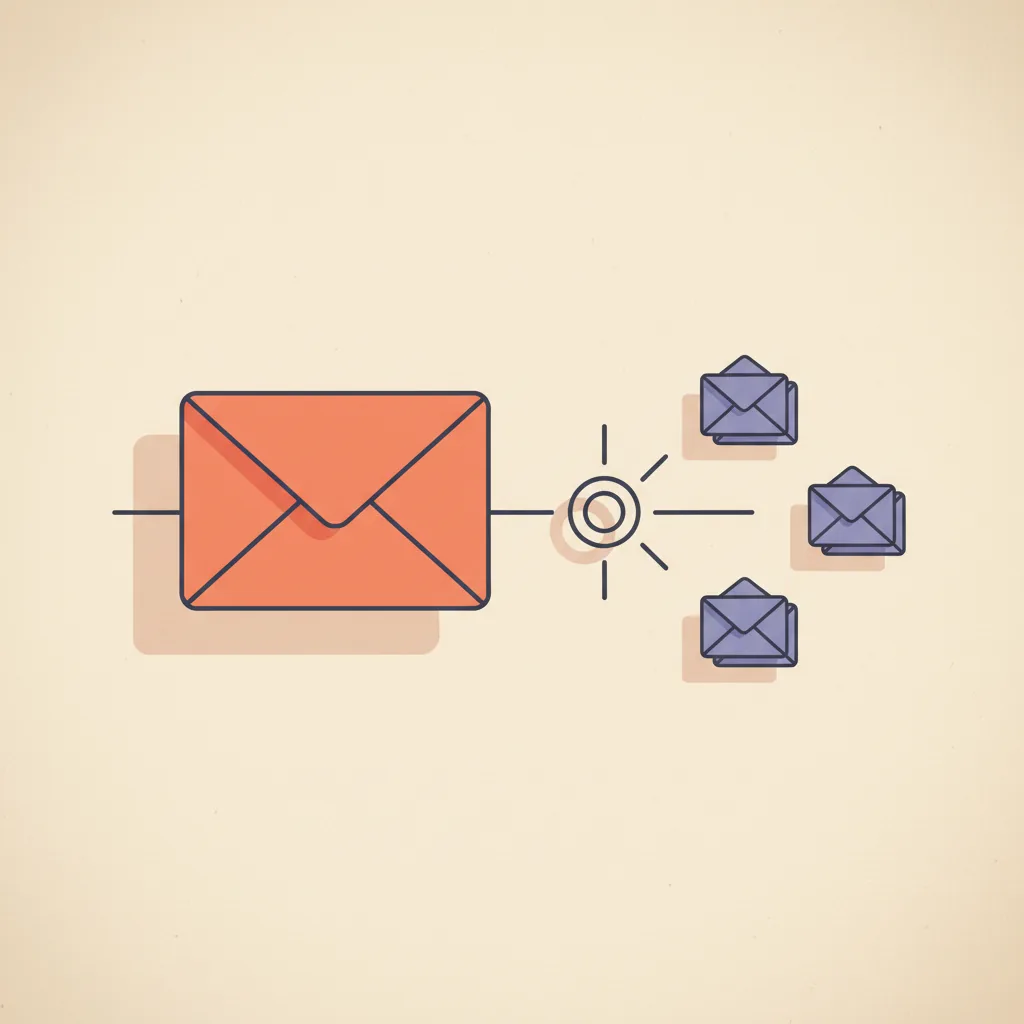
An operator we work with was spending three hours a day in their inbox. Most of it was triage: which messages actually mattered, which were calendar requests, which were vendor noise, which were customer follow-ups that needed an answer in the next two hours. A custom Claude inbox monitor took over that triage layer in a weekend build. Inbox cleared down to actionable items in 30 minutes the next morning. AI-drafted replies sat in a labeled folder waiting for review on the rest. The operator did not stop reading their email — they stopped sorting it.
That is the actual shape of AI email management in 2026. Not "AI replaces your inbox", which is a marketing promise nobody has shipped. Not "AI sends emails for you", which is the failure mode that ends most of these projects in the first month. AI that watches the inbox, classifies what showed up, drafts the reply, and waits. This post maps the category — what it does, the leading tools and what they cost, how to build the custom version, and the trust-graduation ladder that decides what the agent is allowed to do without asking. For the broader operator-side AI map this fits inside, see how to use AI for business operations.
What AI email management actually does in 2026
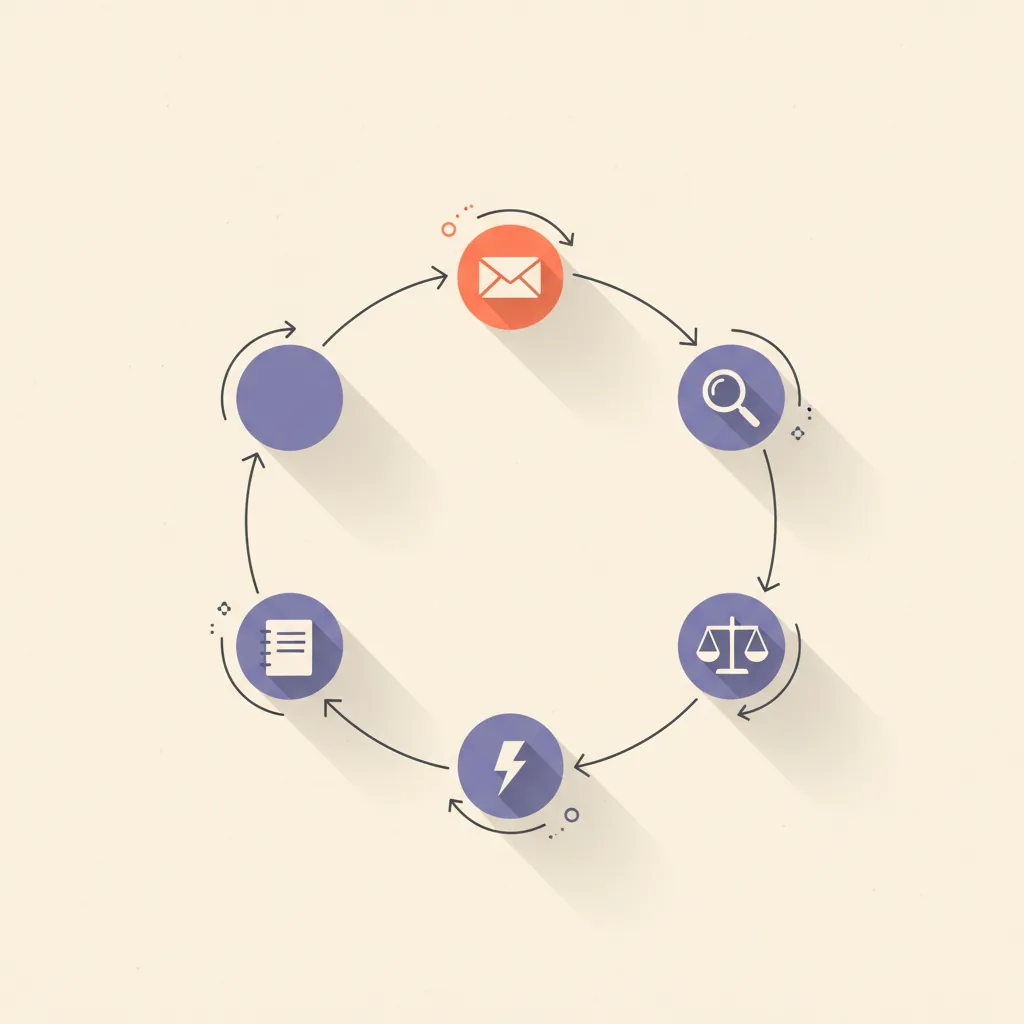
Strip away the vendor copy and AI email management is three jobs running on a loop. Triage: read each new message, decide what kind of message this is (sales reply, support ticket, calendar request, vendor noise, internal FYI), and route or label it. Draft: for the messages that need a response, write the response in the operator's voice, with the relevant context pulled from prior thread history. Action: take the low-risk steps that do not need a human in the loop — archive a vendor newsletter, snooze a follow-up to next Tuesday, file a closed-loop conversation, accept a meeting that matches the calendar.
That is the boundary. Anything beyond those three — autonomous send to important contacts, escalation routing without review, contact merging, deal-stage updates pulled from email content — belongs in a different surface (CRM ops, support ticketing) or behind explicit human approval. Vendors that promise more in their landing copy usually deliver less in production.
The four capabilities that matter
In order of operational impact, not in order of how often the vendor demos them:
- Triage by intent — classify each incoming message into a small set of categories the operator actually acts on differently. Sales reply, support, calendar, vendor noise, internal, urgent. The classifier needs the operator's actual taxonomy, not a generic one. This is where the operating leverage lives.
- Draft replies in the operator's voice — for messages flagged as needing a reply, generate the response with the prior thread, the operator's past replies on similar subjects, and the relevant external context (calendar availability, deal state, customer record). Drafts go to a review queue, not the outbox.
- Take low-risk actions autonomously — file, archive, snooze, route, label. None of these are reversible-but-only-with-effort actions; they are fully recoverable. AI that does only this is already saving 30–60 minutes a day for the typical knowledge worker.
- Surface the inbox queue — natural-language access to the inbox itself. "Show me all unanswered customer emails older than three days." "Did the contract from Acme come through this week?" Search that reads intent, not just keywords.
Tools that ship all four well are rare. Tools that ship one or two well are everywhere. The right pick depends on which of the four is the actual bottleneck for the team.
The leading tools in April 2026
Five real options cover most of the market. Pricing reflects late April 2026 list prices for the published tiers.
| Tool | Pricing | Best at | Worst at |
|---|---|---|---|
| Superhuman AI | $30–$40/user/mo | Speed-first triage and instant-reply drafts for high-volume executives and AEs | Cost at team scale; locks you into a third email client |
| Shortwave | $9–$25/user/mo | Notion-flavored Gmail client with strong natural-language inbox queries and inline drafting | Gmail-only; lighter on autonomous actions than Superhuman |
| Microsoft Copilot for Outlook | ~$30/user/mo (M365) | Org-wide rollout where Outlook is already mandated; deep calendar and Teams integration | Drafts feel generic; weaker triage than the specialists |
| Google Gemini for Gmail | ~$20/user/mo (Workspace add-on) | Org-wide rollout on Workspace; reasonable summarization and reply suggestions | Lighter on autonomous filing and routing than Shortwave |
| Custom Claude inbox monitor | $10–$50/mo (API) | Privacy, compliance, custom playbook, full control over what the agent sees and does | Requires a developer to build and maintain |
Honorable mentions worth knowing about: Fyxer AI at $30+/user/mo is the closest competitor to Superhuman on autonomous draft quality; SaneBox is the long-running classic on inbox sorting without modern LLM context; Spike is the pick for teams who want chat-flavored email rather than thread-flavored email. None of those three change the recommendation calculus for most teams.
How to set up a custom Claude inbox monitor
The custom build is the operator pick when any of three conditions hold: data sensitivity rules out sending email content to a SaaS vendor, the team already runs n8n or Cloudflare Workers and wants the inbox loop next to the rest of the ops stack, or the playbook is specific enough that off-the-shelf categorization will not match how the operator actually thinks about their inbox.
The architecture, in five concrete pieces:
- A scheduled job that polls Gmail or Outlook IMAP every 60–120 seconds, or a webhook listener if the platform supports push (Gmail does, via the Push Notifications API). Cloudflare Workers, n8n, or a simple Node script on a $5/mo VPS all work.
- A classifier prompt that takes the new message plus the operator's playbook (the categories that matter, with examples) and returns a label. Claude Haiku is fast and cheap enough to run on every message; Sonnet is overkill unless the classification is genuinely hard.
- A context fetcher that, for messages that need a draft, pulls the prior thread, the sender's history with the operator (last five messages exchanged), and any relevant external data (calendar availability for meeting requests, the deal record for sales replies).
- A drafter prompt that writes the reply in the operator's voice. The voice file is built once from 30–50 of the operator's past replies and included in the system prompt; the drafter does not invent style, it matches a documented one.
- A folder structure in the email account itself for outputs: AI/Drafts (drafts waiting for review), AI/Filed (the agent filed this without a reply), AI/Snoozed, and AI/Needs-You (urgent items the agent flagged for human attention). The operator's morning workflow becomes opening AI/Drafts first.
Total monthly cost for a single operator: $5–$15 in API spend (depending on volume), $5–$10 in infrastructure if hosted on a VPS or free on the Cloudflare Workers / n8n free tier. Total build time: 2–4 days for a developer who has worked with the relevant APIs before; 1–2 weeks the first time. We ship this build for clients as part of our custom builds practice. The cross-platform plumbing (n8n, Zapier, custom workers) gets its own deeper coverage in n8n vs Zapier.
The trust-graduation ladder
The most underrated decision in AI email management is what the agent is allowed to do without asking. Defaulting too cautious wastes the build; defaulting too aggressive ends the project. The discipline is to graduate each capability one rung at a time, only after the agent has earned that rung on a measured baseline.
| Stage | What the agent does | How it earns graduation |
|---|---|---|
| 1. Drafts and waits | Classifies every message and writes drafts for the ones needing a reply. Drafts sit in AI/Drafts for human review and send. | Draft acceptance rate above 70% for two weeks. Below that and the playbook needs work before adding any autonomy. |
| 2. Files but does not send | Stage 1 plus autonomous archive, snooze, label, and route on low-risk categories (vendor newsletters, internal FYI, already-resolved threads). | Two weeks at stage 1 with zero false-archive incidents. Operator spot-checks the AI/Filed folder daily and finds nothing miscategorized. |
| 3. Sends low-risk replies autonomously | Stage 2 plus autonomous send on a narrow whitelist: calendar confirmations, "received, will follow up by [date]" acknowledgments, meeting accepts that match availability. | Two weeks at stage 2 plus an explicit whitelist with examples. Send autonomy is ONLY for the listed templates, never for free-form replies. |
| 4. Sends in the operator's voice on broader categories | Stage 3 plus autonomous send on routine vendor replies, low-stakes scheduling negotiations, and standard internal acknowledgments. | This stage is optional. Most operators stop at stage 3 and keep stage 4 behind review forever. The cost of being wrong on a free-form send is high enough that the discipline is to never graduate to it. |
The phrase to internalize: earn trust before graduating. AI in the inbox is not a switch you flip from off to on; it is a dial you turn one click at a time, with measurement at each click. What is an AI agent covers the underlying agent architecture this pattern sits on top of.
The bend in the curve at stage 3 is the part most teams miss when they evaluate vendors. Going from "drafts only" to "files autonomously" doubles the savings; going from stage 3 to stage 4 adds a marginal hour while adding a category of risk (free-form autonomous send) that took stage 1 through 3 specifically to avoid.
Common failure modes
Patterns we see in inbox AI rollouts that broke at the 30–60-day mark:
- Auto-send catastrophes — graduating a draft-quality agent to autonomous send before measuring its error rate, then a wrong reply goes to an important client. Once it happens, the rest of the org loses tolerance for the project regardless of how well it would have worked at stage 1.
- Draft staleness — drafts pile up in the review folder because the operator stopped reviewing daily. Some go out three days late, others never at all. The agent looks broken; the workflow is broken.
- Trigger fatigue — the classifier flags too many messages as urgent or as needing a draft, the operator stops reading the AI/Needs-You folder, the system silently rots.
- Voice drift — the drafter prompt works for a month then starts producing replies the operator no longer recognizes as their own, because the operator's voice has shifted and the voice file has not been updated.
- Generic taxonomy — using a vendor's default categories instead of the operator's actual ones. "Important / Other" is not a useful split for someone whose inbox runs on "deal threads / support / partner / billing / personal".
- No log layer — running the agent and not capturing what it did, what the operator overrode, and why. Without that log, the playbook cannot be improved and the agent cannot graduate to higher autonomy.
Where this is heading
Three shifts worth tracking in the next 12 months for this surface specifically:
- Trust-graduation policies become a first-class product feature. Expect Superhuman, Shortwave, and the platform AIs to ship explicit "draft only / file autonomously / send whitelist" mode toggles by mid-2026, replacing the current all-or-nothing dial.
- Voice files become portable artifacts. Today every tool builds the operator's voice from scratch inside its own product. The natural next step is a voice export the operator owns and can plug into any inbox tool, the way a writer carries their style guide between publishers.
- The custom Claude monitor pattern moves from a developer-only build to a templated install. Ship-ready open-source repos that boot a Cloudflare Worker, hook to Gmail, and run the classifier-drafter loop will close most of the gap between SaaS convenience and custom flexibility for technically-comfortable operators.
The operators two quarters ahead of the conversation in late 2026 are not the ones with the most expensive inbox tool. They are the ones whose inbox agent is at stage 3 of the trust ladder, with a documented playbook, a working log layer, and a voice file they own. We build that pattern as part of our AI Stack Audit and custom builds. For the broader operator-side AI map this fits inside, see how to use AI for business operations and the underlying patterns in what is AI automation? The 5 patterns that run in production.